Camino de Santiago with your phone: keep your family calm without touching it all day
The Camino is for disconnecting. Your mom isn't. How to square both things with one tap when you reach the albergue—and what to do when there's no signal (which is most of the time).

There are two sentences everyone says before starting the Camino. The pilgrim's: "I want to disconnect." Their mom's: "Let me know when you get there." They're totally compatible—just not with the usual method (a WhatsApp every night that sometimes gets forgotten, and a mom who starts checking her phone at eleven). This guide is practical: what to do with your phone so your family stays calm and you barely have to take it out of your pocket.
1. Decide what your family is going to see
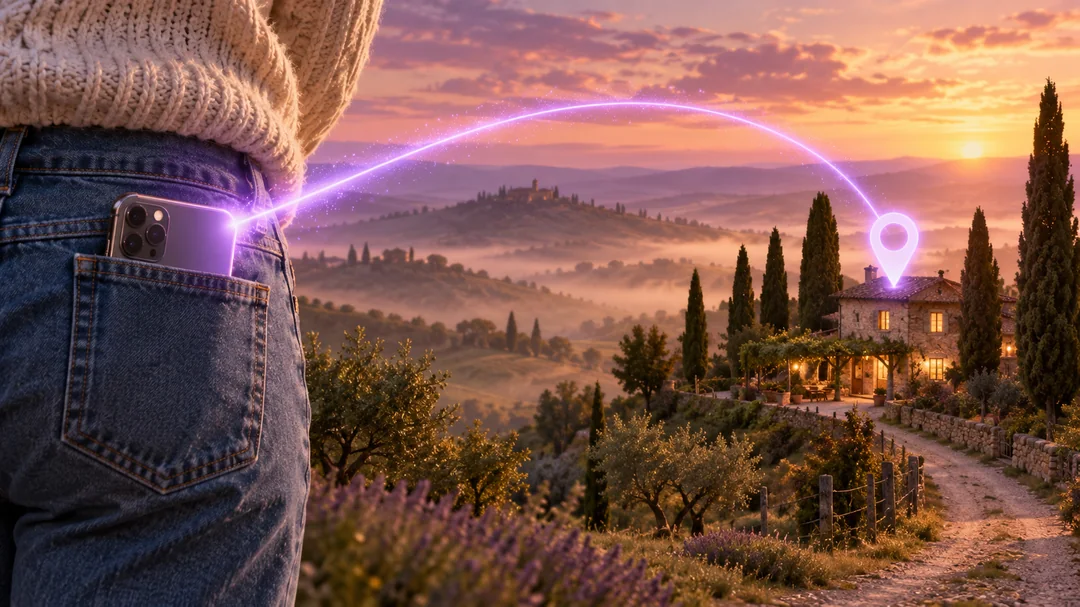
What puts people at ease isn't your exact position at 11:47—it's knowing you've reached the albergue and you're okay. That's solved with one tap at the end of each stage. In Mi Estela, the "I've arrived at the albergue" button notifies your circle's chat and marks the stage as done; your people see your Camino moving forward without you having to type a thing. If you also want them to see you on the map during the day, turn it on; if not, don't.
2. Cell signal: assume you won't have one
On the Camino, signal comes and goes, and in many albergues the wifi is more myth than reality. Any system that depends on sending something "right now" is going to fail. What works is something that saves your message and sends it automatically when signal comes back. Mi Estela is built that way: the "I've arrived" notification is stored on your phone and sent as soon as there's a connection; the Camino routes and your stages are saved locally so you can open them in the middle of nowhere; and your last known position is kept, so your people can see it whenever you're back online.
3. For those who don't have the app: the link
Your mom isn't going to install anything. She doesn't have to. You send her a link on WhatsApp ("I'm doing the Camino. Here you can see how I'm doing—no install needed") and she opens it in her browser: right at the top, big and clear, "They're okay. Last signal: today." Below that, your Camino, the kilometers, the next stage, and your stamps. No account, no sign-up. And the page refreshes on its own, because we know she's going to leave it open on the kitchen counter all day.
4. Battery life
A day on the Camino means eight or ten hours with no outlet. Three tips: bring a small power bank (the single most appreciated item in your entire backpack), put your phone in airplane mode on stretches with no signal (constantly searching for a network drains more battery than any app), and share your battery level with your circle so nobody panics when it dies. In Mi Estela, sharing your battery is free.
5. SOS, just in case
A twisted ankle on a downhill, heatstroke on the meseta. Mi Estela's SOS alerts your circle with your location (as long as they have their phone on, signal, and notifications enabled) and puts the country's emergency number one tap away. It doesn't replace 112: in a real emergency, call. And keep your credencial and ID handy—they'll ask for them.
6. Choosing your Camino (if you haven't yet)
Nobody picks a Camino from a list of seventeen rows—it's overwhelming. Mi Estela asks you three questions (how many days you have, whether it's your first time, whether you prefer coast, mountains, or solitude) and suggests two or three. And if you live far from every starting point, it figures out the nearest town and where to begin so it fits your schedule. You can find all seventeen, with their stages and difficulty, at the Camino de Santiago on Mi Estela.
7. What stays with you afterward
During the Camino, everything above is free. What's Premium is what stays with you afterward: the journal with your photos and voice notes from each stage, the credencial saved with a stamp for every place you slept, and the history of all your Caminos. "The Camino is free. What you keep from the Camino isn't." We say it that plainly so nobody gets any surprises.
And AlertCops
The official app from Spain's National Police and Civil Guard has a feature called "Guardián" you can subscribe to on routes like the Camino de Santiago: it periodically sends your position to law enforcement. It's free and works alongside any family app. What AlertCops does.