🌳 Seniors
For seniors: one tap and your people know you're okay
Everything simple and in big text. One tap to let your people know you're okay, another to see where they are, and if you want to call someone, just tell Estela with your voice.

What's going on, and what Mi Estela does about it
From worry to peace of mind
"Apps have way too much going on"
Senior Mode is one screen with a few big buttons: just the essentials and nothing else. It helps without taking away your control or treating you like a child.
"I don't want anyone watching over me"
You decide what you share, just like everyone else. Whatever your kids see about you, you see about them. You can see your people nice and big: at home, on their way, a little while ago. No coordinates, no street names.
"Typing on my phone is hard"
Talk to Estela: "call María," "let them know I'm okay." If there are two Marías in your circle, she'll ask which one.
What you'll actually use
Let everyone know you're doing fine
One tap and your family sees it. With a lock against double taps, so you don't send two alerts by accident.
If something happens, alert your people
SOS alerts your circle with your location and puts the emergency number one tap away. It doesn't replace 112.
How it works →See your people
Their faces, nice and big: at home, on their way, a little while ago.
Listen to me
When you need to get something off your chest, Estela listens calmly.
Send a message to your family
A message they'll see the next time they open the app.
Today's Gospel and saint of the day
For those who want it. And if you don't, it won't show up.
Honestly
What Mi Estela doesn't do
- There are no ads, no sales calls, and nothing that costs money unless you ask for it.
- Nobody's watching you: you share what you want and turn it off whenever you want.
Real screenshots
What it looks like inside
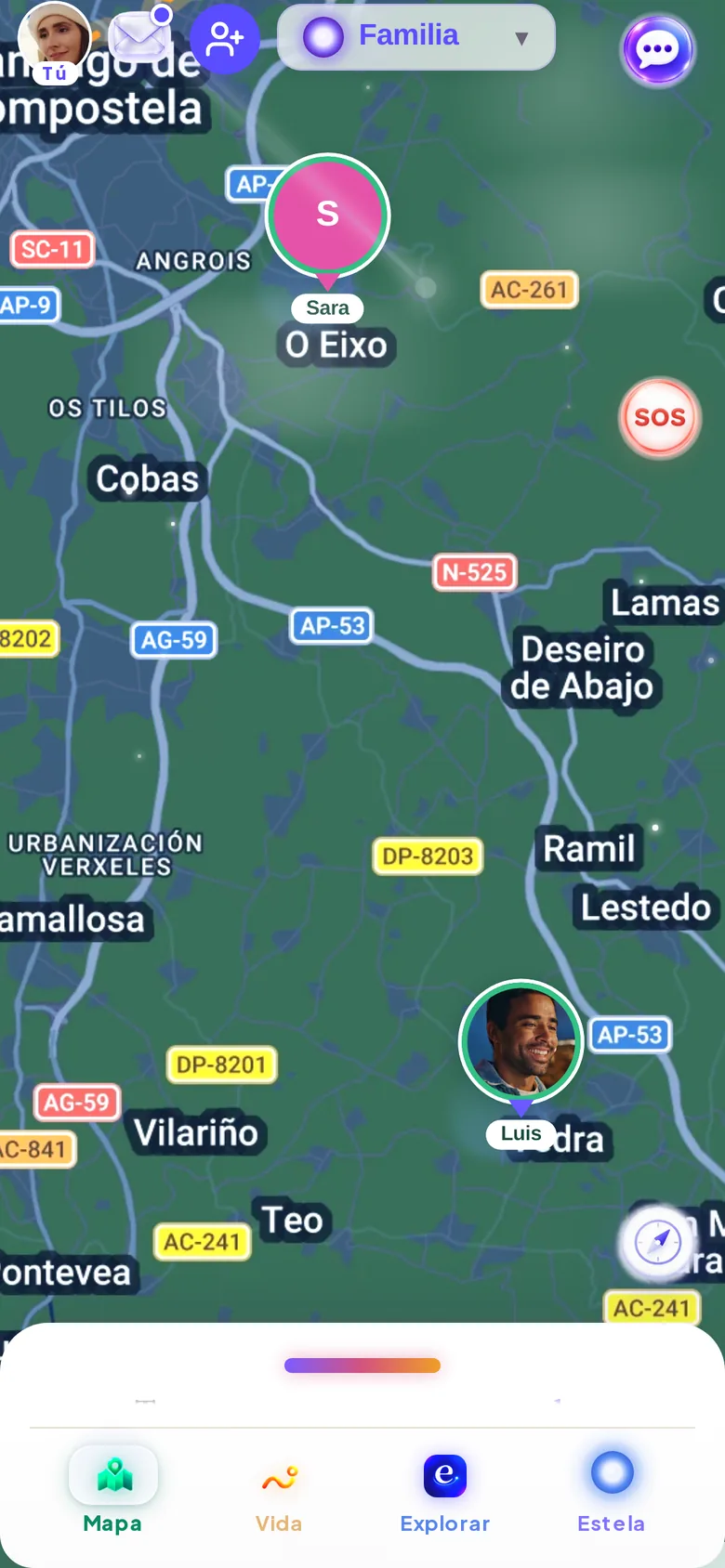
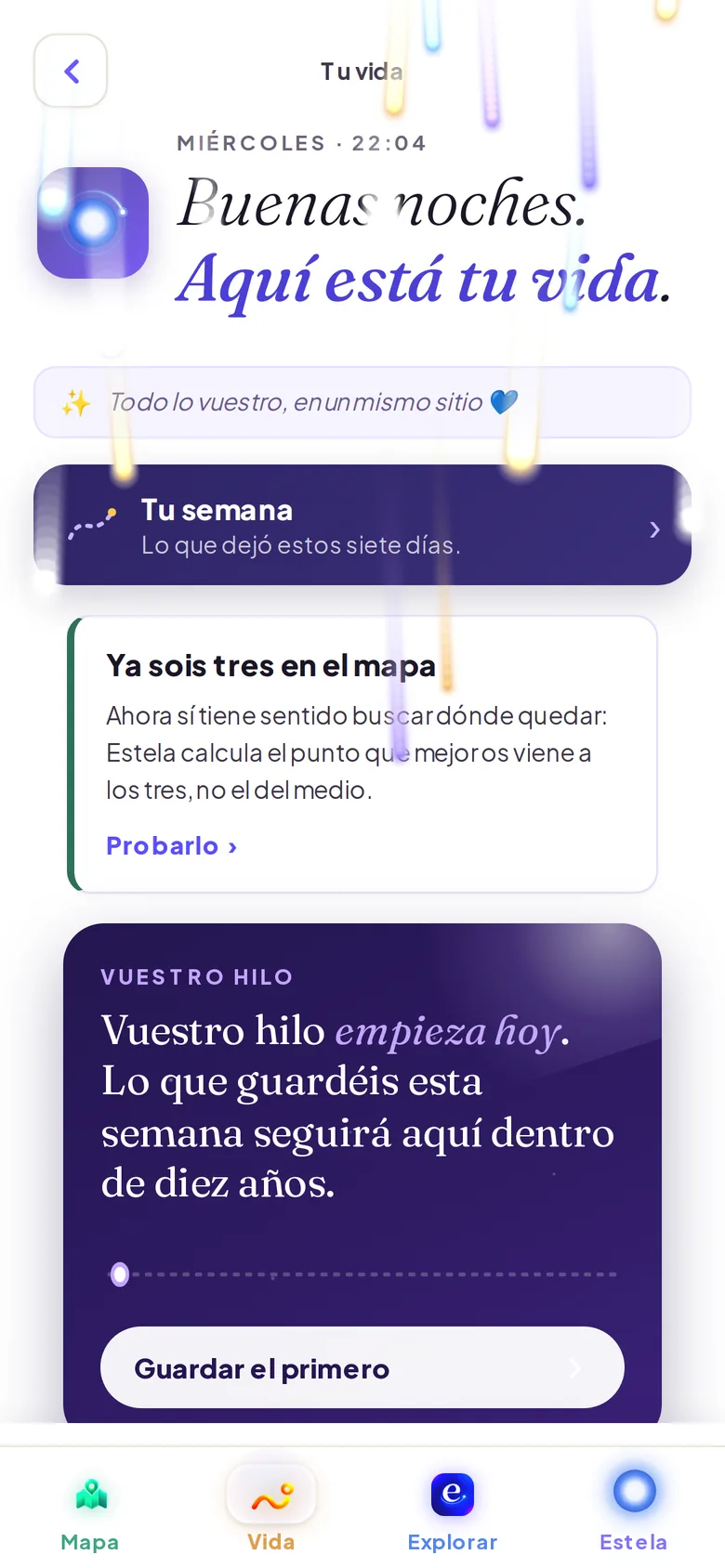
The screenshots are from the app in Spanish; the interface is in your language if your phone is set to it (see the note below).
We answer your questions
Frequently asked questions
Is it hard to set up?
It's a free download from the App Store or Google Play. If a son, daughter, or grandchild sends you their circle link, just open it and you're already together. In How to get started we walk you through it step by step.
Do I have to pay for anything?
No. Letting your family know you're okay, seeing your people, SOS, chat, and calls are free forever.
Keep exploring

Adult children of elderly parents
One-tap "I'm okay," gentle check-in, sibling turns, and Senior Mode with large text.
See what it does for you →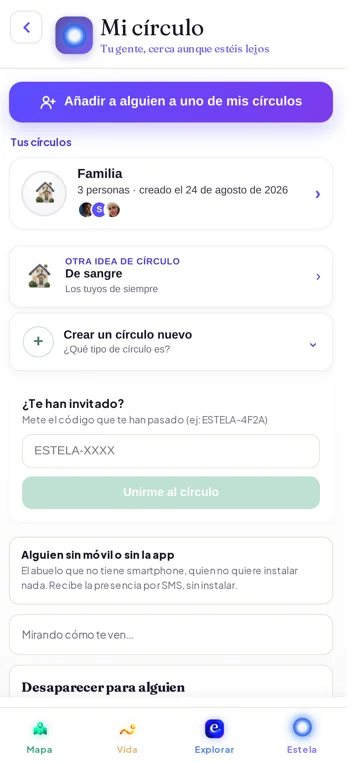
Guide
How to get started
Install, create your circle, invite with a link, and grant the phone permissions. Step by step, with screenshots.
See more →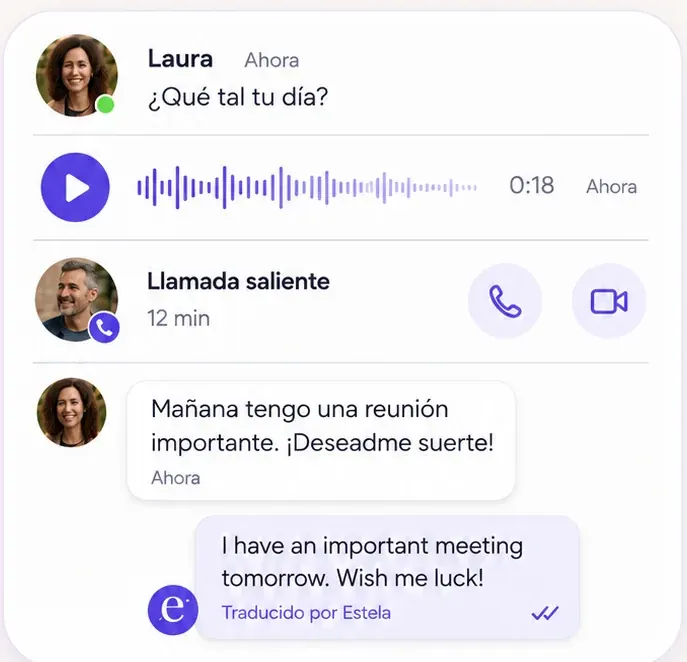
Feature
Chat, calls, and video calls
Messages, voice notes, calls, and video calls with your circle. Free.
See more →
Your people, close. Even when they're far away.
Download it free, invite someone, and discover your own way of staying close.
Free to start · No ads · We never sell your data