Privacy · Teens · How it works
Instagram Map: What It Shares, Who Sees It, How to Turn It Off
Instagram put a map above your messages and a lot of people panicked. Here's what it shares, with whom, when it updates, how to turn it off in a minute, and what a parent sees if their teen's account is supervised.


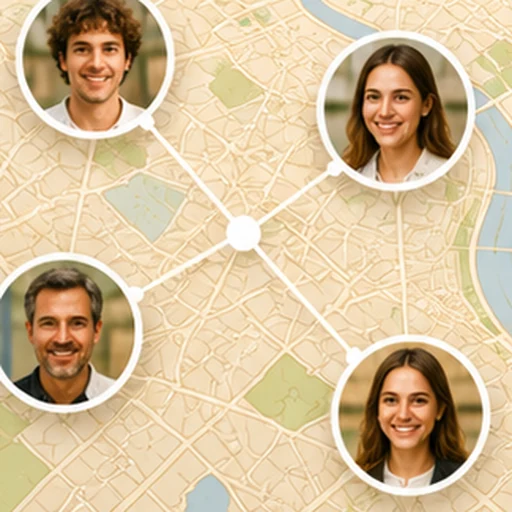
Instagram launched its map in the United States on August 6, 2025, and it reached Spain that October. Since then, a map sits above your messages inbox, where some of your contacts can appear with their photo at the place where they last opened the app. Let's get specific, using what Meta says and what Maldita.es checked (data as of October 15, 2026).
What it shares
Your last active location: the spot where you were the last time you opened Instagram (or came back to it from the background). According to Meta, “your location is updated each time you open the app or return to it if it was in the background.” It's not continuous location sharing while the app is closed, and it disappears if you don't open the app within 24 hours.
With whom
Only with the people you choose: mutual followers (people you follow who also follow you), close friends, specific accounts, or no one. You can also exclude specific places (so it never shares when you're at home, for example) and specific people. The part that scared people most, the idea that “hundreds of people” could see you, only happens if you choose “mutual followers” and you have hundreds of mutual followers.
It's off by default
Meta says it plainly: “location sharing is turned off unless you turn it on.” Maldita.es checked this when it reached Spain: the default setting is “No one,” with a notice in the app itself (“You're not sharing your location unless this option is turned on”). What you can do without sharing anything is look at the map: see content tagged with a location and notes from your contacts, which last 24 hours.
How to check or turn it off in a minute
- Open Messages (the paper airplane) and tap the map at the top.
- Tap the gear icon.
- Under “Who can see your location,” choose No one (or the short list you want).
Just in case, there's the system route: in your phone's settings, Instagram › Location › “Never” (iPhone) or “Don't allow” (Android). That way it can't share even if someone taps the option by mistake.
If your child has a supervised teen account
With Instagram supervision turned on (accounts for ages 13 to 17), according to Meta: you get a notification if your child starts sharing their location, you can decide whether they have access to the map feature, and you can see who they share it with. You don't see their location through this: supervision covers the setting, not a family locator.
What it's not for (and what is)
Instagram's map is a “where they were when they opened the app.” It doesn't alert you when someone gets home, it doesn't work with the app closed, and it has no SOS. If what you want is to know your people have arrived safely, that's what an arrival alert is for, in a family-location app built for it, where each person chooses whether they appear precisely, only by area, or invisible, and everyone sees the same thing about everyone else.
Sources
- Meta Newsroom: “New Instagram Features to Help You Connect” (Aug 6, 2025)
- Maldita.es: Instagram's “Map” is now available in Spain (updated Oct 3, 2025)
- Hipertextual: Instagram map in Spain, what it is and how to avoid sharing your location