How it works · Family · Seniors
AirTag to Find a Child or Senior: What Apple Doesn't Want and What to Do
It's cheap, lasts a year on one battery, and finds everything. That's why many people put one in a kid's backpack or a grandma's purse. Apple insists it isn't meant for that, and its reasons are technical, not just legal.


The AirTag is Apple's object finder: a coin-sized Bluetooth tag that, when it passes near any iPhone in the world, asks that iPhone to send its encrypted location to your Find My app. No GPS, no SIM card, no battery to charge. And since it finds everything, the temptation is obvious: what if I put it in my seven-year-old's backpack? Or in my mom's purse, since she sometimes gets disoriented?
What Apple says
Apple has repeated it since launch: the AirTag is designed to locate personal items (“keys, wallet, bag, backpack, luggage”), not to follow people. In February 2022 it announced that setting one up shows a warning that using it to track someone without their consent is illegal in many countries, and that each AirTag has a serial number tied to an Apple account that can be handed over to the police.
Why it doesn't work well with people (even your child)
- Unwanted tracking alerts. To protect victims of harassment, the iPhone (and since May 2024 Android too, thanks to a common standard from Apple and Google) warns anyone carrying an unfamiliar AirTag that is moving with them: “AirTag Found Moving With You”. If your child spends the afternoon at a friend's house, the friend's mom's iPhone may receive that alert, and the AirTag may start beeping. The same goes for an older person at a day center, and likewise for the staff.
- It's not real time. The location updates only when some iPhone passes nearby. In a school or a city there are plenty; in the countryside, or in a building where everyone uses Android, it can go hours without updating. And there's no “just arrived”: no arrival or departure alerts.
- There's no person on the other end. You can't press an SOS, it won't tell you the battery level of a phone (there's no phone), and there's no chat or call. You know where the backpack is, not how the person carrying it is doing.
- It goes with whoever carries the bag. If the child switches bags or grandma leaves her purse at home, the AirTag stays there.
When it makes sense
For what it's made for: the backpack left on the school bus, the suitcase at the airport, the bag left in a restaurant, your keys. If what you want is to find the backpack, great. There's also one honest edge case: an older person with disorientation who won't carry a phone or a watch, with the family in agreement and aware of its limits. Some families use it as a last resort in that situation, even knowing about the alerts sent to third parties. Apple doesn't recommend it, and neither do we as the main solution.
What to do instead
- Kids without a phone (up to 11 or 12): a GPS watch with a SIM, which has its own location, an SOS button, and calls to the numbers you set; or, if the child already has a phone, parental controls set up by you (Family Link, Qustodio) with their place alerts.
- Kids with a phone from age 14: a family location app where they know they're sharing and can choose how: here's how we approach it for parents of teens.
- Older people with a phone: a one-tap “I'm okay”, large text, and a gentle check-in if they go many hours without moving (they turn it on). For adult children of older parents. And for someone who lives alone, public or private home-care services, because an app doesn't replace them.
- Older people without a phone: a GPS locator with a SIM designed for seniors (pendant or watch, with a help button), or the mobile home-care service of your region or city council.
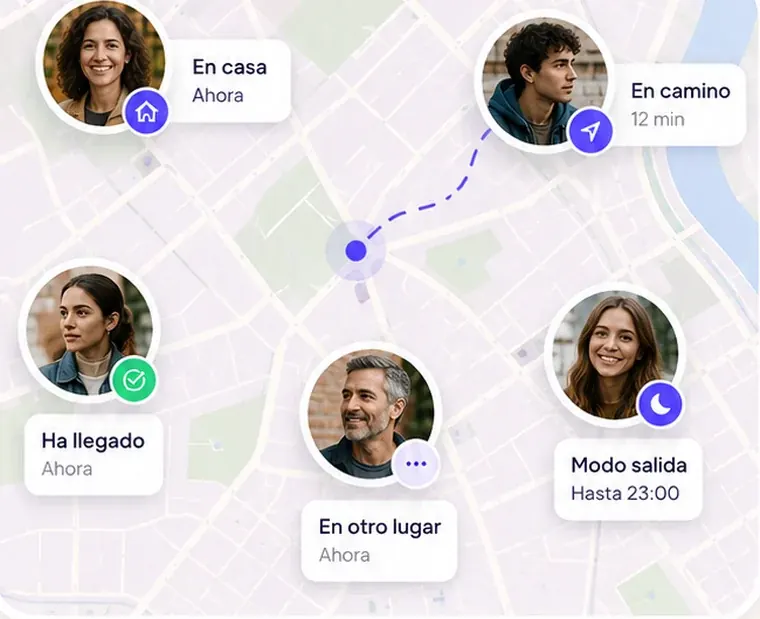
Mi Estela doesn't use AirTags or any gadget: it's a phone app for people who agree to be in the same circle. If your family has a small child or an older person without a phone, we'll tell you straight: we're not their solution, and the ones that are can be found above.
Sources
- Apple: an update on AirTag and unwanted tracking (Feb 10, 2022)
- Apple and Google: unwanted tracking alerts on iOS and Android (May 13, 2024)